Windows 8 is currently due to be released on October 2012. If your computer runs Windows 7, it will be able to run Windows 8 since it looks like Microsoft made some operating system improvements in resource usage. I installed Windows 8 and Sparkbooth on a Dell laptop, so I can confirm Sparkbooth will run on Windows 8. Here is how you install Sparkbooth in Windows 8:
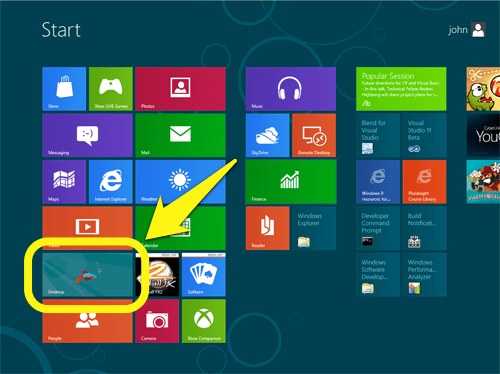
- From the Start screen, select the Desktop
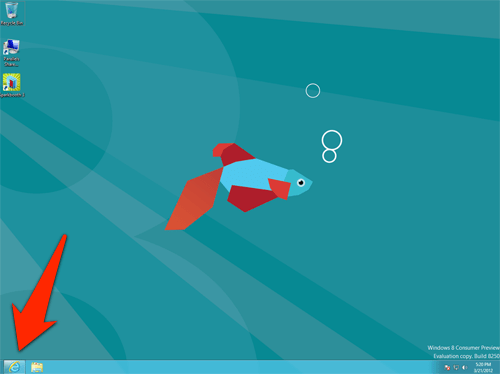
- After the Desktop has launched, press the Internet Explorer icon in the taskbar, and go to downloads
- Click the Download button to get the Sparkbooth installer and run it.
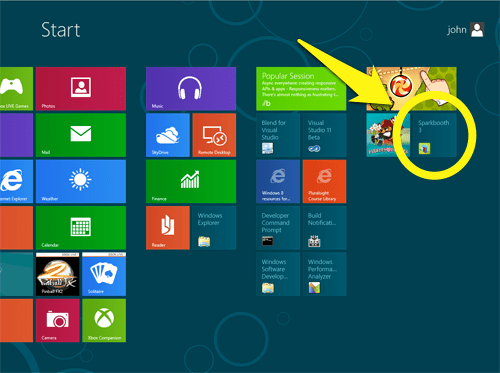
- And that is it! You will see a Sparkbooth icon installed on the Start screen, which you can use to start Sparkbooth.