t
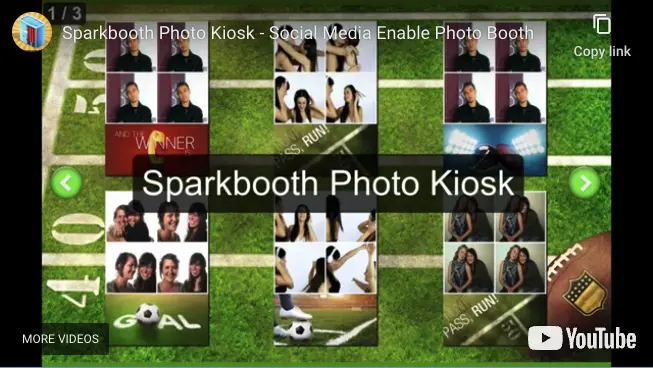
Click to play demo video

Sparkbooth Photo Kiosk Software

Included with every Sparkbooth Premium and Sparkbooth DSLR license — not a paid add-on.

Create a separate kiosk station for browsing, printing and sharing your photo booth photos.

Premium and DSLR users can run a second station where guests view and print photos from the booth, with email, SMS and QR code sharing built in. Just point the kiosk at the shared photo folder of your photo booth.

How the Kiosk Fits Into Your Booth

Kiosk mode is a second Sparkbooth window on a second computer. The booth keeps taking pictures; the kiosk handles everything guests want to do with them afterwards.

Point It at the Photo Folder

Share the booth's photo folder over the venue network or a synced drive, and tell the kiosk where it is. New photos appear on the kiosk as soon as the booth saves them.

Guests Browse, Print and Share

On a touchscreen or with a mouse, guests find their photo, print a copy, email it, text it to their phone, or scan a QR code on screen to pick it up without typing anything.

The Line Keeps Moving

Typing an email address at the booth is what stalls a queue. Move sharing to the kiosk and the booth goes straight to the next group while the last one is still choosing.

The Kiosk Is Included in Both Licenses

Kiosk mode is part of Sparkbooth Premium and Sparkbooth DSLR — a one-time, non-expiring license with three activations and commercial use included. Run the booth on one activation and the kiosk on another, with no extra software to buy.

Premium
$149 USD
one-time purchase
  • Webcams, including 4K
  • Lifetime license, 3 activations
  • Commercial and business use
  • Free updates within version 7
  • Windows and macOS
Buy Premium
DSLR
$189 USD
one-time purchase
  • Everything in Premium
  • Canon, Nikon and Sony cameras
  • Lifetime license, 3 activations
  • Commercial and business use
  • Windows and macOS
Buy DSLR

Lifetime, non-expiring license — not a subscription. Not sure yet? Try the full app free for 30 days — no credit card, no obligation. Trial photos are watermarked. See the full feature comparison or upgrade an older license.

Photo Kiosk Questions

How do I set up a photo kiosk?

You need the photo booth computer and one or more kiosk stations. Share the booth computer's save folder over your network, then point each kiosk station at that shared folder. Use your own router rather than the venue's wifi — venue networks are usually saturated by guests, and the kiosks need a steady connection to load photos as they arrive.

Do I need a second license for the kiosk machine?

No. Every Premium and DSLR license includes 3 activations, so the booth computer and the kiosk computer run on the same license with one activation to spare.

Does it work with photos from other software?

Yes. Kiosk mode reads any folder of photos, so it can serve prints and email, SMS and QR code sharing for pictures from other booth software, a roaming photographer or a camera card.